


1. Open the Binance app and log in
Make sure it's updated and you're in Pro Mode if needed.
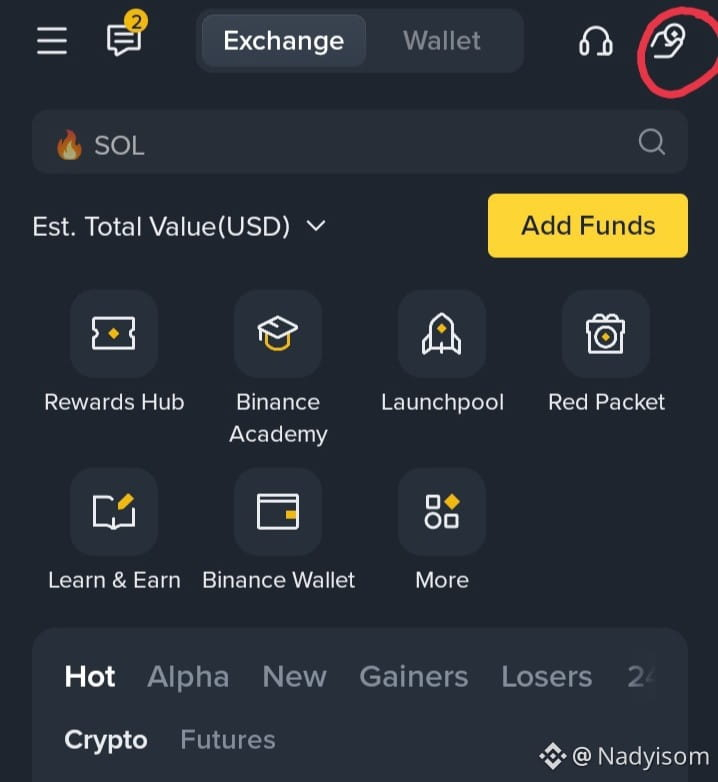
2. Tap the Pay icon usually top right on home screen
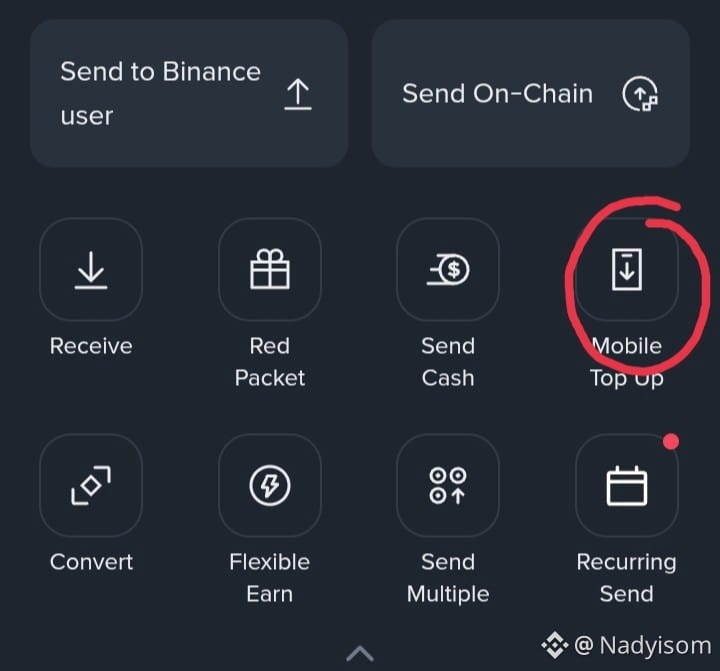
3. Choose Mobile Top Up
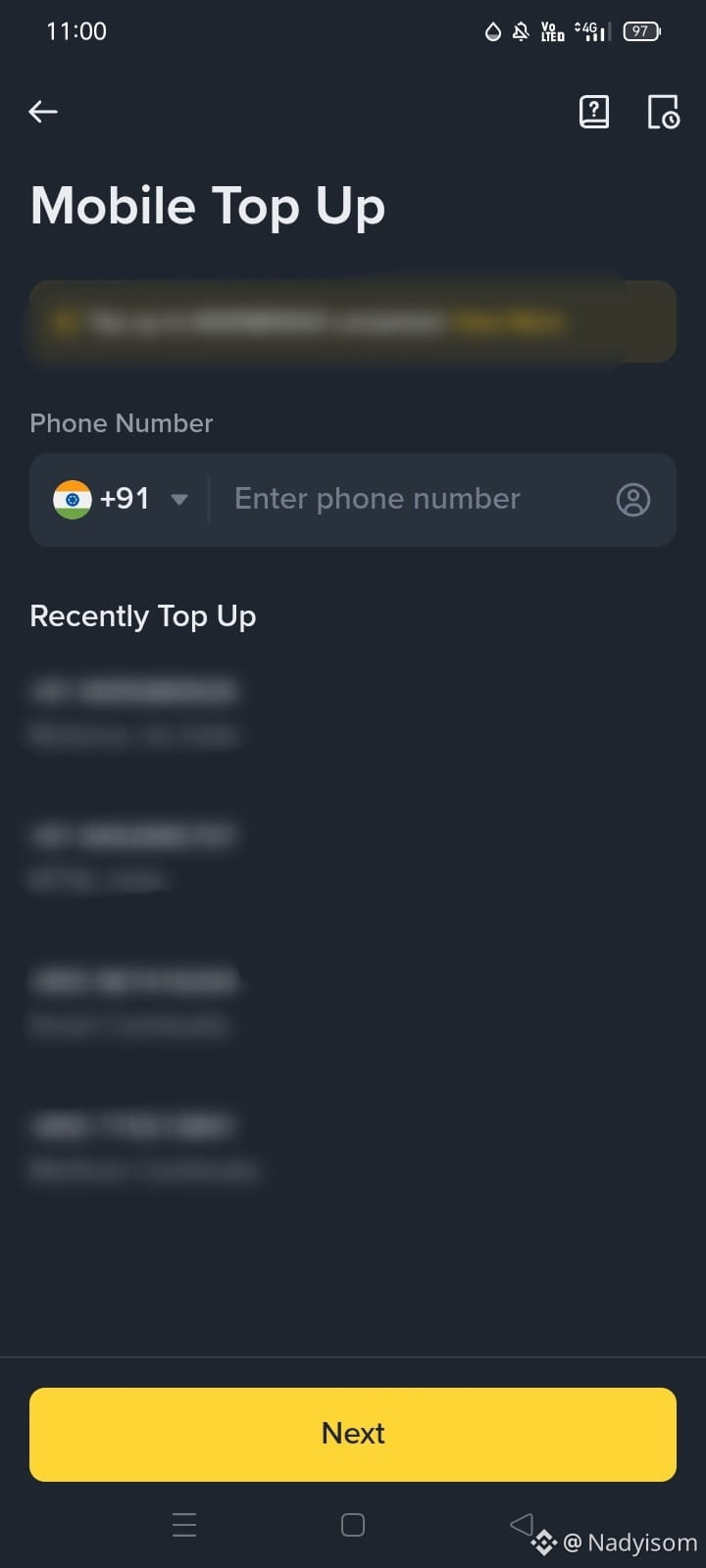
4. Enter your mobile number with correct country code
5. Pick the recharge amount you want.
6. Choose your crypto to pay with like USDT, BNB, BTC etc
7. Confirm the details and tap Continue
8. Wait for the Successful message it’s usually instant.
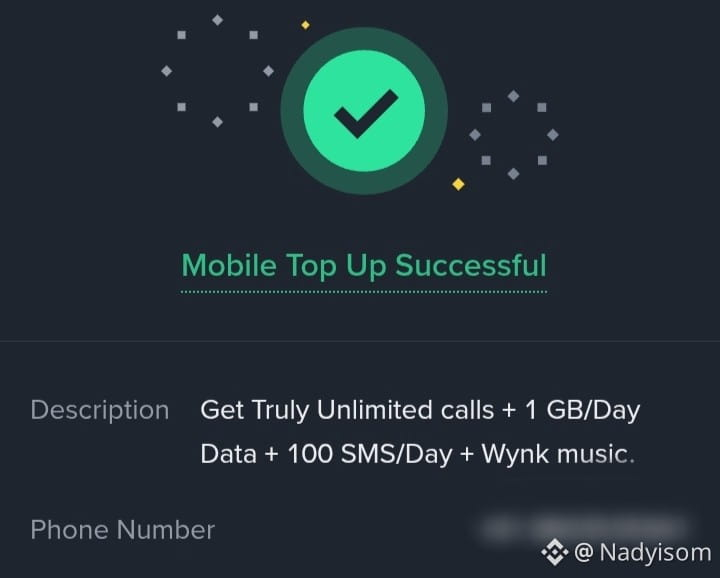
Done Your mobile gets recharged with crypto.