How to Store Data on Walrus: Step-by-Step
Walrus isn’t just another place to stash your files. Instead of trusting one company with everything and hoping for the best, you’re putting your data somewhere decentralized, secure, and open. You don’t have to lose sleep over hacks or outages, and it’s affordable, too. Getting started is fast, and the APIs don’t get in your way—developers appreciate that. Walrus just works, whether you’re into DeFi, NFTs, DAOs, governance, or anything that needs airtight compliance and trust.
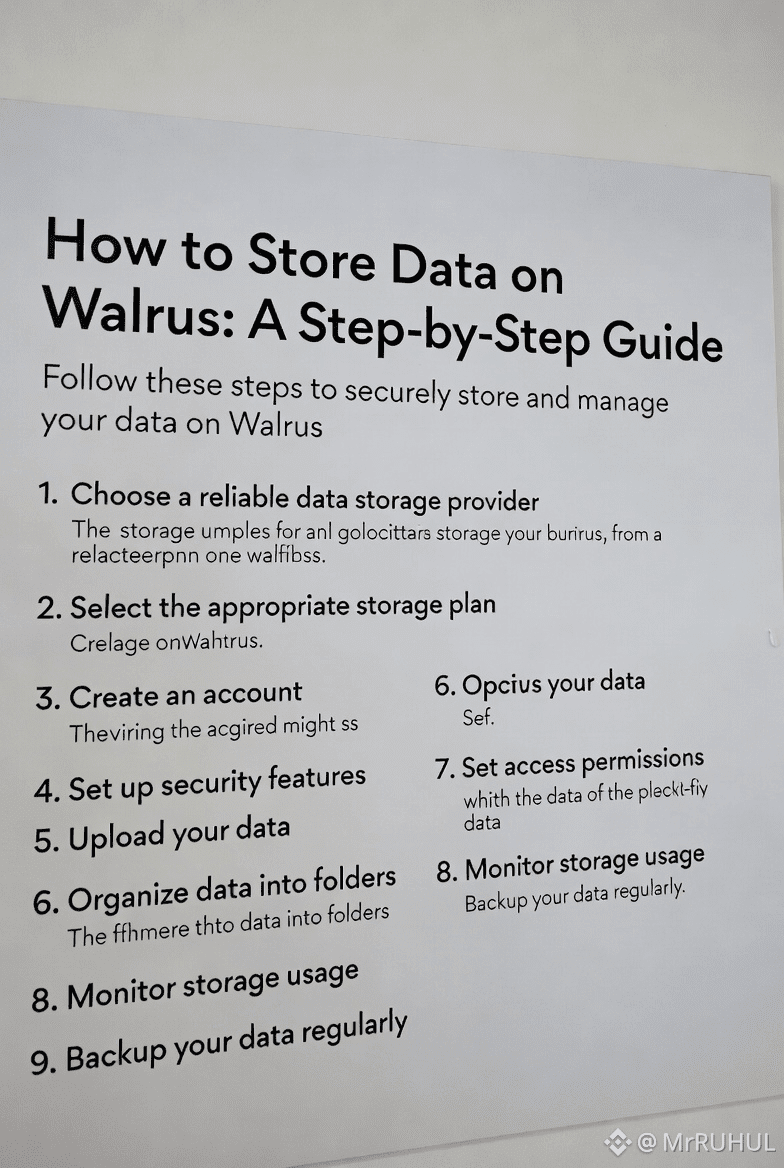
Here’s how you actually get rolling—from prepping your files to locking them in safely.
Step 1: Make Sure Walrus Fits Your Data
First, check that your data makes sense for Walrus. It’s built for stuff that doesn’t change much, like:
Smart contract metadata
Credentials and proofs
DAO proposals and votes
NFT images or metadata
Compliance logs and audit trails
You can’t change files in place. Every update creates a new version, each with its own cryptographic hash. Even a single character change? Boom, new reference.
Step 2: Prep Your Data
Walrus takes pretty much anything—raw binary blobs, JSON, text, images, video, encrypted files, you name it.
If you’re dealing with sensitive info, encrypt it before uploading. Walrus keeps files online and safe, but privacy is still up to you.
Quick tips: compress big files to save on costs, encrypt private stuff, and use easy-to-parse formats like JSON schemas or protobufs if you want to make life easier down the road.
Step 3: Connect to Walrus
Most people grab a Walrus SDK (JavaScript, Rust, whatever you prefer) or just hit the API directly.
You’ll need a wallet or key pair to sign in, pick your network (mainnet or testnet), and grab some credits for storage.
Your keys let you upload and track files without revealing who you are.
Step 4: Send Your Storage Request
Time to upload. Put together a request with:
- The file itself
- Some metadata (content type, size, version—stuff like that)
- Storage settings (how many copies, how long to keep it, who can access)
Walrus then:
1. Hashes your data to make a unique ID
2. Uses that hash as your file’s reference
3. Runs checks on everything
Change anything, and you get a whole new reference.
Step 5: Upload and Distribute
Once approved, Walrus chops your data up and spreads the pieces around the network. Multiple copies keep things safe.
What’s that mean for you?
Your data’s always available
If some nodes disappear, you’re still covered
Nobody can just lose or censor your files
At the end, you get a hash or CID. That’s your key to fetch your files later. Your data’s locked in and anchored to the network.
Step 6: (Optional) Add an On-Chain Reference
A lot of people want their Walrus data tied to a blockchain, but you don’t need to put every byte on-chain. Usually, you’ll:
Drop the Walrus hash into a smart contract
Link it to accounts, NFTs, or transactions
This keeps blockchain fees down and still gives you a full audit trail. Change your data, get a new hash, update the reference. Every change gets logged.
Step 7: Retrieve and Verify
Getting your files back is simple. Use the hash, ask the network, and:
1. Nodes send back the pieces
2. Walrus puts them back together
3. The system checks the hash—if it doesn’t match, you don’t get junk data
You never have to just trust someone. You can always prove your data’s the real deal.
Step 8: Update with Versioning
Need to update something? Upload the new version. Walrus gives you a fresh hash, and you update your app or reference.
Old versions don’t vanish, so you get a full history. Great for audits, compliance, or when you need to roll back.
Step 9: Track Your Storage and Costs
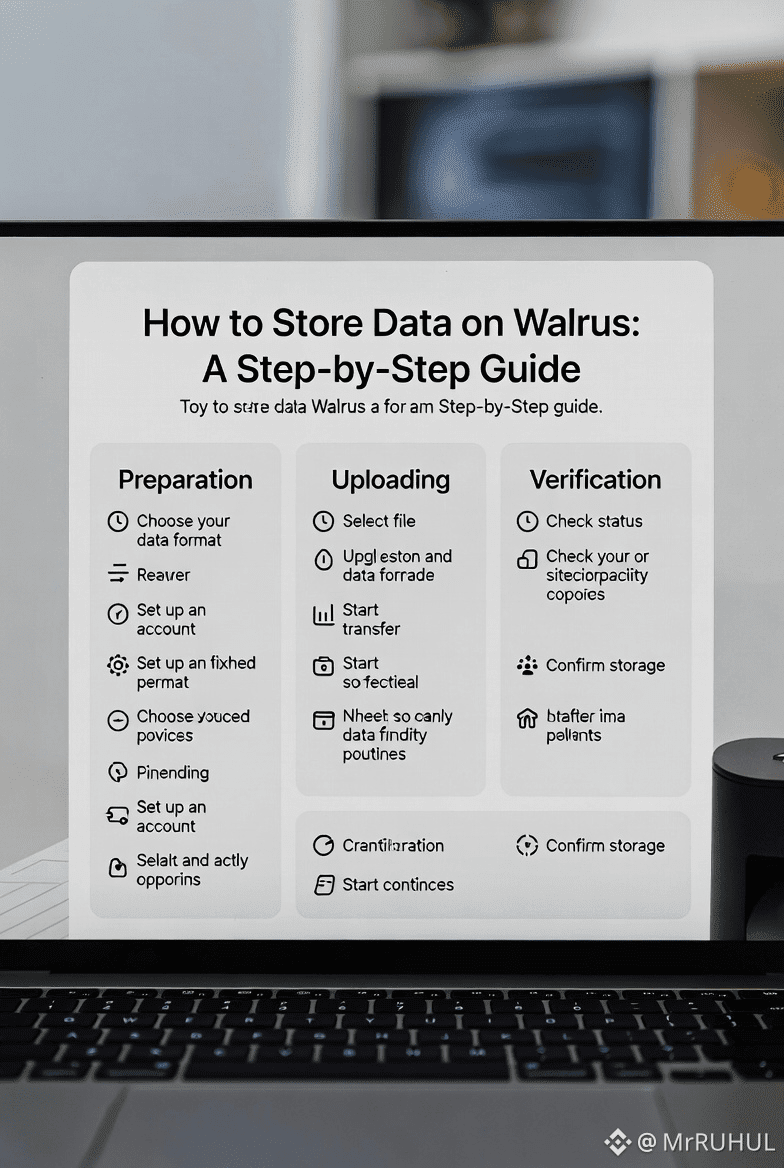
You can see what you’ve stored, how many copies exist, and watch your spending. Delete what you don’t need, save some cash, and keep only what matters.@Walrus 🦭/acc #Walrus $WAL