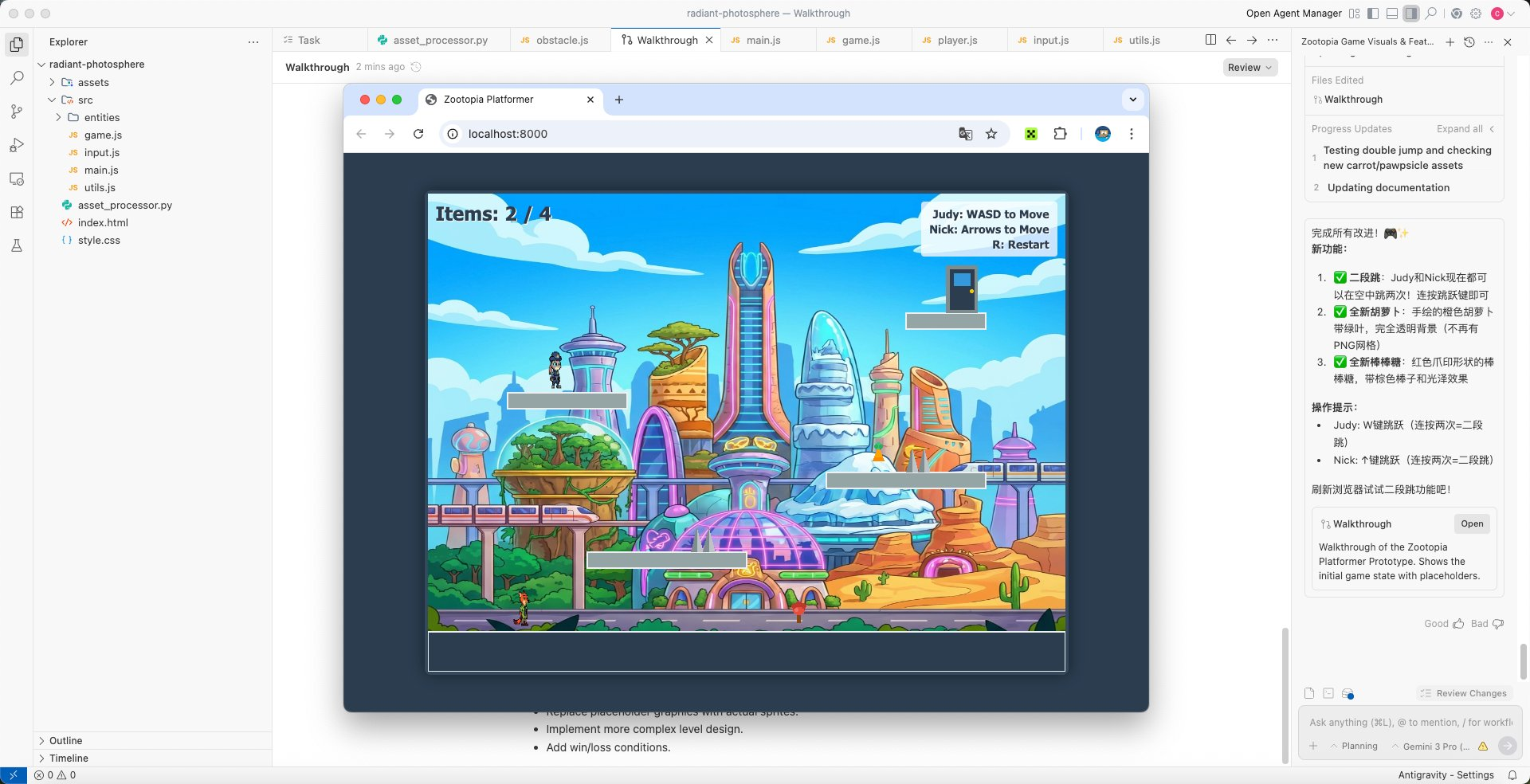
No need for professional complex prompts, just express your requirements in plain language to generate a website for games with one click, automatically writing code while designing, and free access to Gemini3 pro. This is Google's latest generation AI native development environment, Antigravity.
Without further ado, let me show you the results: a crazy animal city-themed side-scrolling game generated in 5 minutes, with natural language interaction with AI throughout the process, without writing a single line of code. The more detailed the requirements, the higher the completion rate.
However, the current pain point is that mainland users are experiencing difficulties logging in:
Network environment and account permissions are restricted.
After two days of exploration and learning, I’m sharing this content directly with everyone as a solution.
First, Antigravity is a desktop application, and its login traffic (OAuth authorization) requires a global proxy, not just a browser proxy. In your proxy software (like Clash, V2Ray, Clash for Windows), find the "TUN mode" or "virtual network card mode" and enable it.
Also, make sure you have configured a clean US IP. Using a static residential IP alone may have speed limitations; you can look for tutorials on Twitter and deploy a chain proxy with airport nodes.
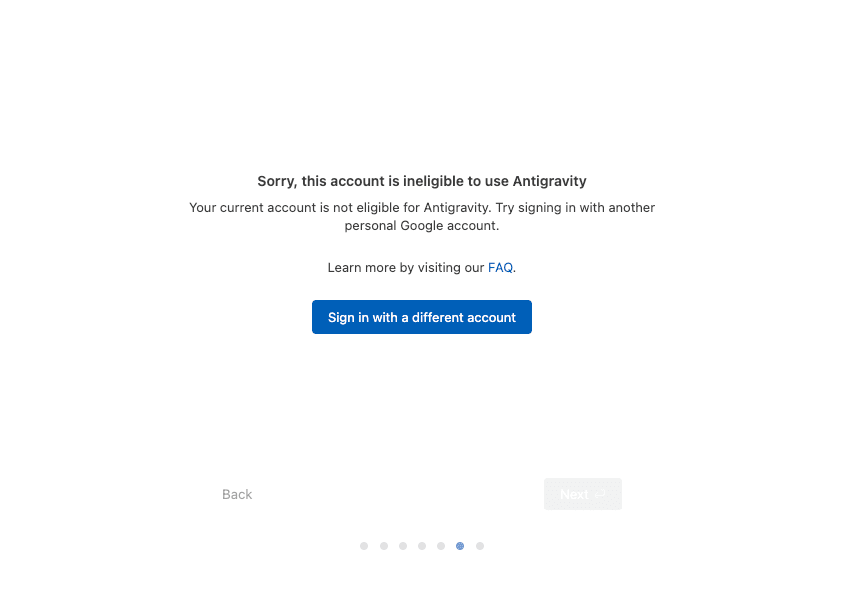
Then there are account region restrictions. Check the associated region of your Google account at https://policies.google.com/terms, and you can apply to change the current country or region version of your account at https://policies.google.com/country-association-form.
Changing the region requires waiting for Google's review. After passing the review, you can log in successfully. You can ask overseas friends to apply or directly purchase an overseas region account. If you register by yourself, you can skip phone number and email verification when applying for Gmail on mobile, but currently, feedback indicates that new accounts need to settle for a few days before gaining access, and it's easy to be identified as a Chinese region during the process.
Generally, a clean network environment and a Google account with permissions should allow you to log in and use Antigravity, but there can also be some special situations. Here, I summarize a few common problems and solutions:
❶ Authorization successful but not redirected. Possible reason: browser/cache issue.
Clear the browser cache or reinstall Antigravity. Windows users should ensure it is installed on the C: drive.
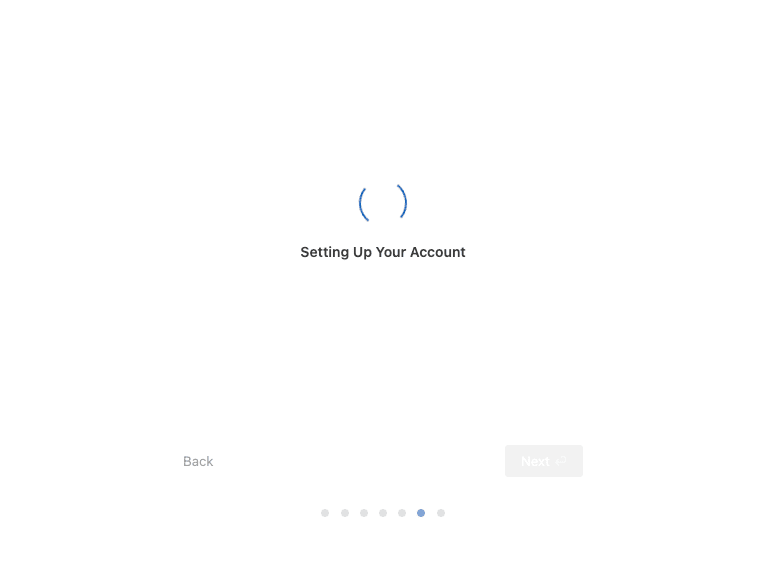
❷ Infinite spinning. Possible reason: server overload or rate limit.
Wait 5 hours (refresh cycle for the free version) or upgrade to Google AI Pro (higher limit). Check the Antigravity status page for any maintenance.
❸ Specific hang on Mac/Windows. Possible reason: system permissions/cache.
Mac: Delete the ~/Library/Application Support/Antigravity/Cache folder. Windows: Run as administrator.