
Step-by-Step:
1. Create & verify your Binance account
Sign up with email or phone. Complete KYC (upload ID & proof of address) so your account is verified. This unlocks higher limits.
2. Deposit fiat currency / payment method
Add your local bank account / debit/credit card / or use Binance P2P if available.
3. Go to “Buy Crypto”
Choose the currency you want (USD, PKR etc.), pick a payment method (card / bank / P2P).
4. Select the crypto asset you want (e.g. BTC, ETH, BNB) and place the buy order.
5. Store what you purchased
After purchase, move crypto to secure wallet (can be Binance wallet, or external/hardware wallet depending on how long you plan to hold).
Recent update / tip (2025):
Binance has improved its fiat-on-ramps in many regions; more payment methods are being added including local bank transfers and P2P options. Always check the fee before purchase because card / bank fees vary regionally.
---
2. Blockchain, Web3, DeFi Explained Simply
Blockchain = A digital ledger (chain of blocks) that records transactions. Once data is written, it’s hard to change. Decentralized (many computers maintain copies).
Web3 = The next version of the internet where users have more control. Instead of big companies owning all data & services, Web3 uses blockchain, decentralization, smart contracts so apps run in trustless or less-trusted environments.
DeFi (Decentralized Finance) = Financial services (lending, borrowing, trading, earning interest) running on blockchains without traditional banks. e.g. you can lend crypto and earn interest, or use stablecoins, swap assets via decentralized exchanges (DEXs), all via smart contracts.
Current trends / updates (2025):
More DeFi platforms are using audit reports and security tools to reduce risk. Users are more cautious.
Web3 wallets are offering better usability: biometric features, better wallet-security options (non-custodial, hardware wallets) are more popular.
---
3. Security Tips: (2FA, Seed Phrase Safety) — Updated Best Practices
Tip Why It Matters Updated Advice
Enable Strong Two-Factor Authentication (2FA) If someone steals your password, 2FA prevents easy access. Use an authenticator app (Google Authenticator / Authy) rather than SMS when possible. Use hardware keys (like YubiKey) for critical accounts.
Protect your seed-phrase / recovery phrase It’s the master key to your wallet. If someone gets it, they control your funds. • Never store seed-phrase digitally (no screenshots, no cloud, no email). <br> • Write it physically on paper or better: metal plate or other durable offline medium. Store at secure location(s). <br> • Have multiple backups in separate physical locations. <br> • Consider using extra passphrase / encryption if wallet supports.
Use hardware / cold wallets for long-term storage Online (hot) wallets are vulnerable to hacks. Only use hot wallets for small / frequent transactions. For bigger holdings keep them offline. Keep your firmware updated.
Beware phishing & scams Many loss of funds happen due to fake links, fake dApps, impersonation. Always check URLs, avoid clicking unknown links. Only use official apps/websites. Don’t respond to messages/emails that pressure you to share private keys or seed phrases.


#GoldHitsRecordHigh #BNBBreaksATH #BNBChainEcosystemRally 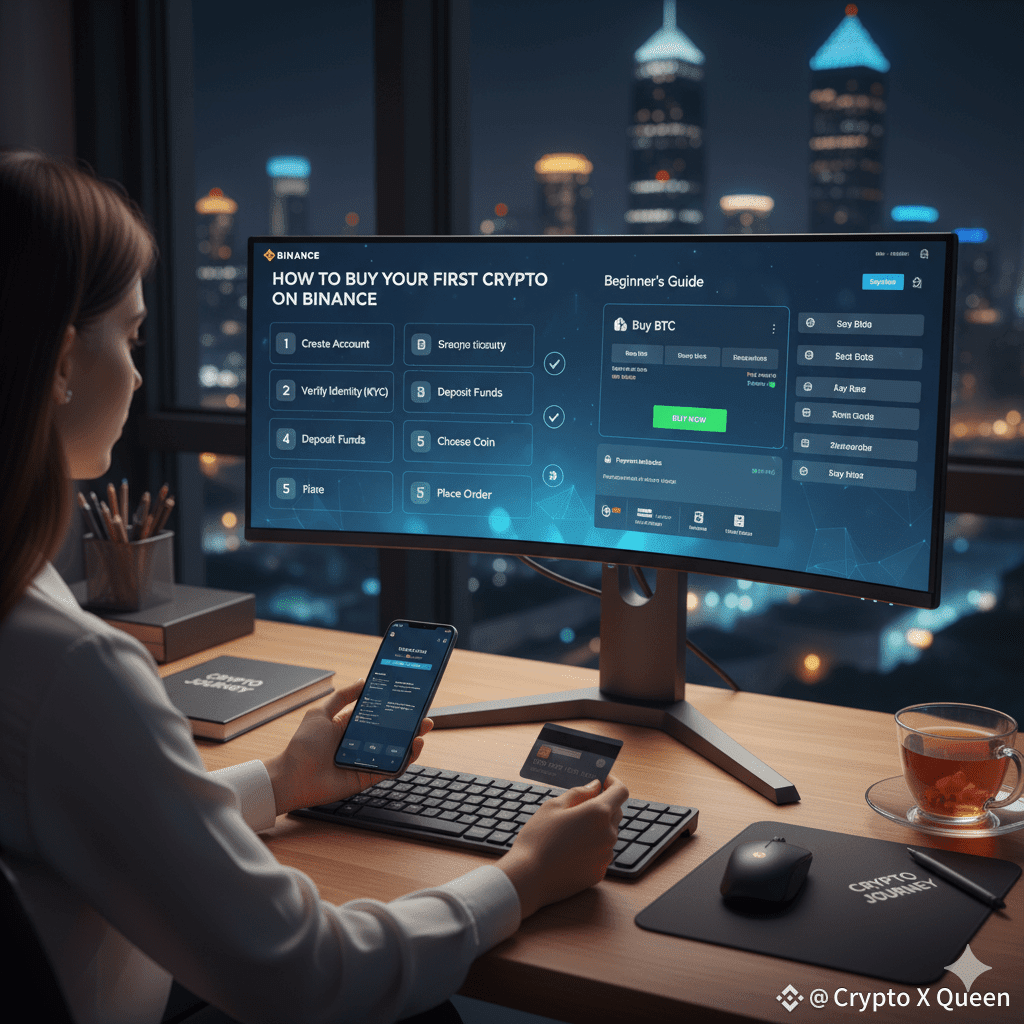
Thanks for reading my article 😊