
The Binance Web3 Wallet is Binance’s next-generation wallet, designed to give users full control over their crypto, NFTs, and decentralized applications (DApps). Unlike traditional wallets tied to centralized exchanges, the Web3 Wallet lets you store, manage, and interact with crypto securely and privately.
This guide will walk you through key features, security tips, and best practices for using the Binance Web3 Wallet safely in 2026.
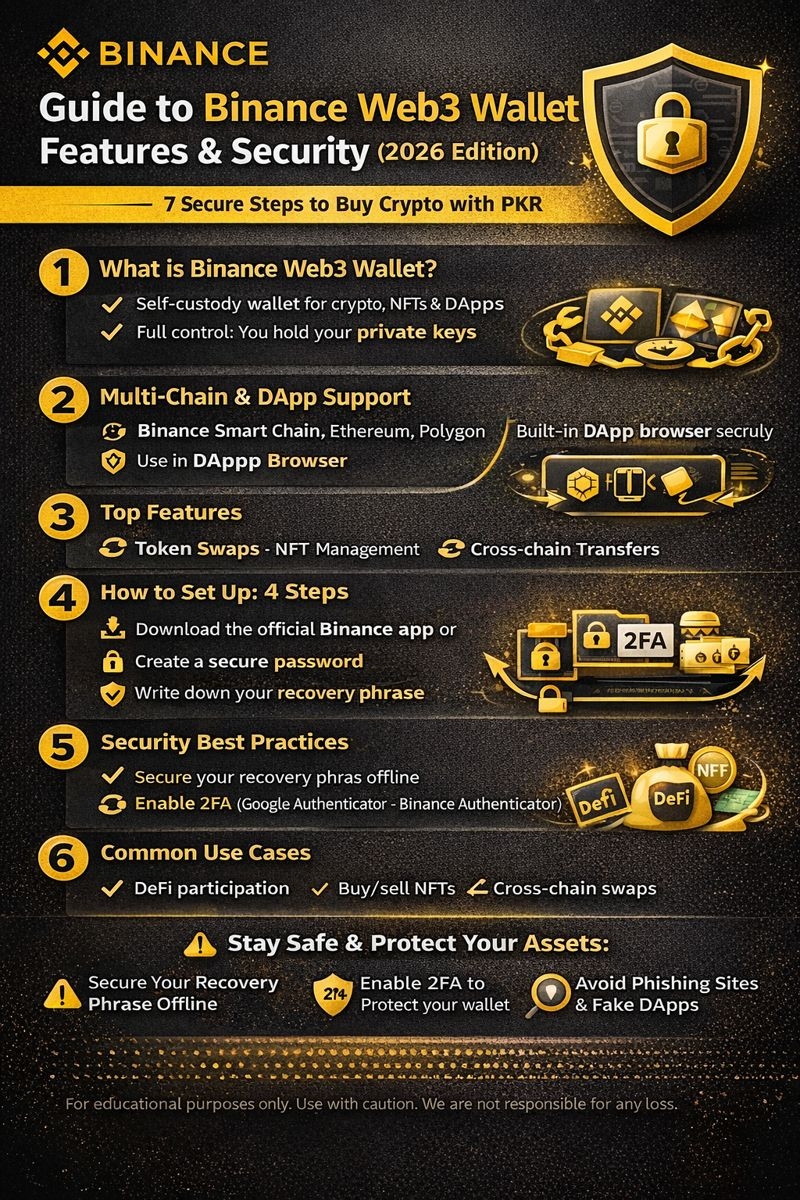
1. What is the Binance Web3 Wallet?
The Web3 Wallet is a self-custody wallet that allows you to:
Hold cryptocurrencies like BTC, ETH, BNB, and stablecoins (USDT/BUSD)
Store NFTs on Binance Smart Chain and Ethereum
Connect to DeFi apps and DApps
Interact with cross-chain protocols
Unlike a regular Binance account wallet, your private keys remain with you, giving you complete control.
2. Key Features
a) Multi-Chain Support
Supports multiple blockchains: Binance Smart Chain (BSC), Ethereum, Polygon, and more
Allows cross-chain token management in one wallet
b) DApp Browser
Explore and interact with DeFi protocols, games, and NFT marketplaces
Secure access without exposing private keys
c) NFT Management
Store, send, and receive NFTs
Compatible with Binance NFT Marketplace
d) Token Swaps
Swap tokens directly in the wallet without leaving the interface
Supports multiple chains
e) Cross-Device Access
Access via mobile app or browser extension
Private keys remain encrypted and under your control
3. How to Set Up Your Binance Web3 Wallet
Download the official Binance app or browser extension
Navigate to Wallet → Web3 Wallet → Create
Create a strong password for wallet access
Write down your 12-24 word recovery phrase and store it securely offline
Optional: Enable biometric login (fingerprint/Face ID) for added security
💡 Important: Never share your recovery phrase. Binance staff will never ask for it.
4. Security Best Practices
a) Secure Your Recovery Phrase
Keep it offline in a safe place
Do not take screenshots or store it digitally
b) Enable 2FA
Protect your Binance account and Web3 Wallet with 2FA
Use Google Authenticator or Binance Authenticator
c) Avoid Phishing Sites
Only connect your wallet to verified DApps
Double-check website URLs before signing transactions
d) Regular Wallet Audits
Periodically check connected DApps
Revoke permissions for unused apps
e) Withdraw Whitelists & Hardware Wallets
Use withdrawal whitelists for large transfers
Consider connecting a hardware wallet for additional security
5. Common Use Cases
DeFi participation: Stake, lend, or borrow crypto on trusted protocols
NFT trading: Buy, sell, or display digital collectibles
Token swaps: Exchange tokens safely without using centralized exchanges
Cross-chain transfers: Move assets between chains securely
6. Advantages of Using Binance Web3 Wallet
Full control of assets: You hold your private keys
Security: Advanced encryption and safety tools
Integration with Binance ecosystem: Easy access to Binance NFT, DeFi, and P2P services
Multi-chain flexibility: One wallet for multiple blockchains
7. Final Thoughts
The Binance Web3 Wallet empowers users to interact with the decentralized world safely. By following security best practices — like securing your recovery phrase, using 2FA, avoiding phishing, and regularly auditing DApps — you can take full advantage of Web3 opportunities without compromising your assets.
Disclaimer: This article is for educational purposes only and does not constitute financial advice. Always use crypto wallets responsibly.