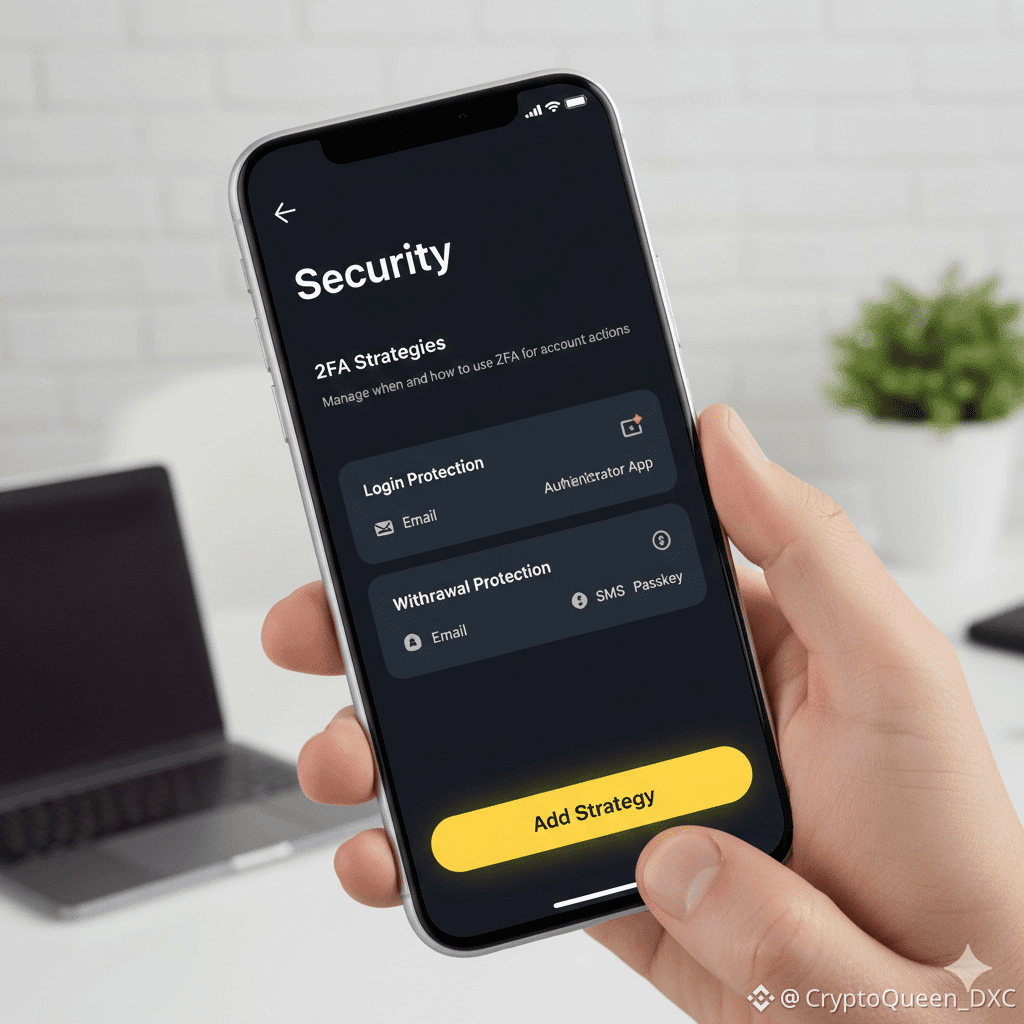
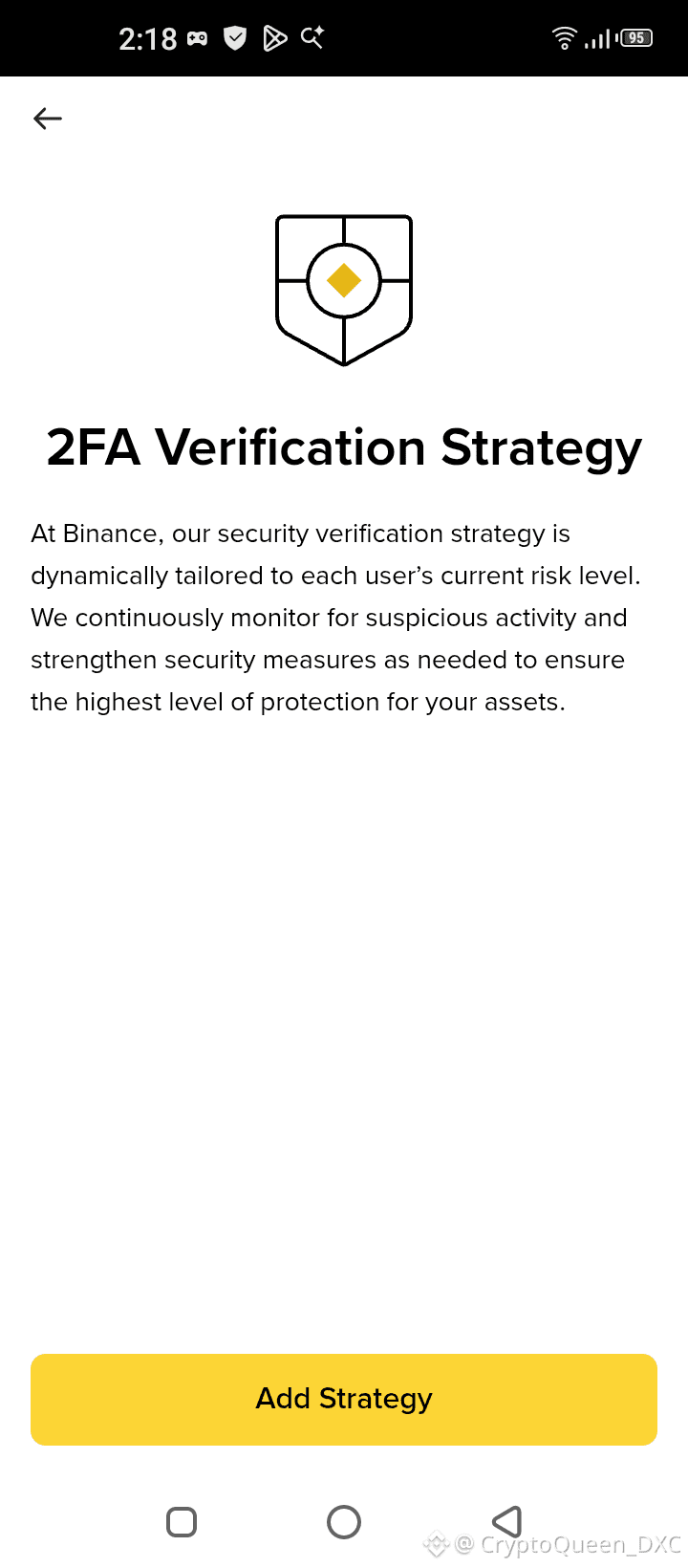
What is a #2FA Strategy?
A strategy is a rule that tells the app when and how to ask for a security code. For example, you might want a code sent to your email and your phone every time you withdraw money. It adds an extra layer of protection so hackers cannot steal your assets.
How to Add a Strategy
To get started, follow these easy steps:
Tap "Add Strategy": Click the big yellow button at the bottom of your screen.
Choose the Action: The app will ask what you want to protect (for example: "Logging in" or "Withdrawing funds").
Select Your Methods: Pick which security tools you want to use. Common choices are:
Authenticator App: A code from an app like Google Authenticator.
Email: A code sent to your inbox.
SMS: A text message sent to your phone.
Passkey/Biometrics: Using your fingerprint or face ID.
Confirm the Setup: The app will usually ask you to enter a final code to save these changes.
Review: Once finished, your new "strategy" is active and your account is much safer!
Tip: Always make sure you have access to your email and phone number before setting these up so you don't get locked out.