
Due to security issues with ads, many people are seeking methods to open multiple Google browsers. Many newbies want to learn how to open multiple instances to earn rewards but can't find methods. Below, I will detail my method for opening multiple Google browsers, including how to set up an independent IP and how to copy plugins installed in one browser to multiple browsers. At least this tutorial can save you a lot of initial trial costs. Let's get started:
First, introduce how to open multiple Google browsers.
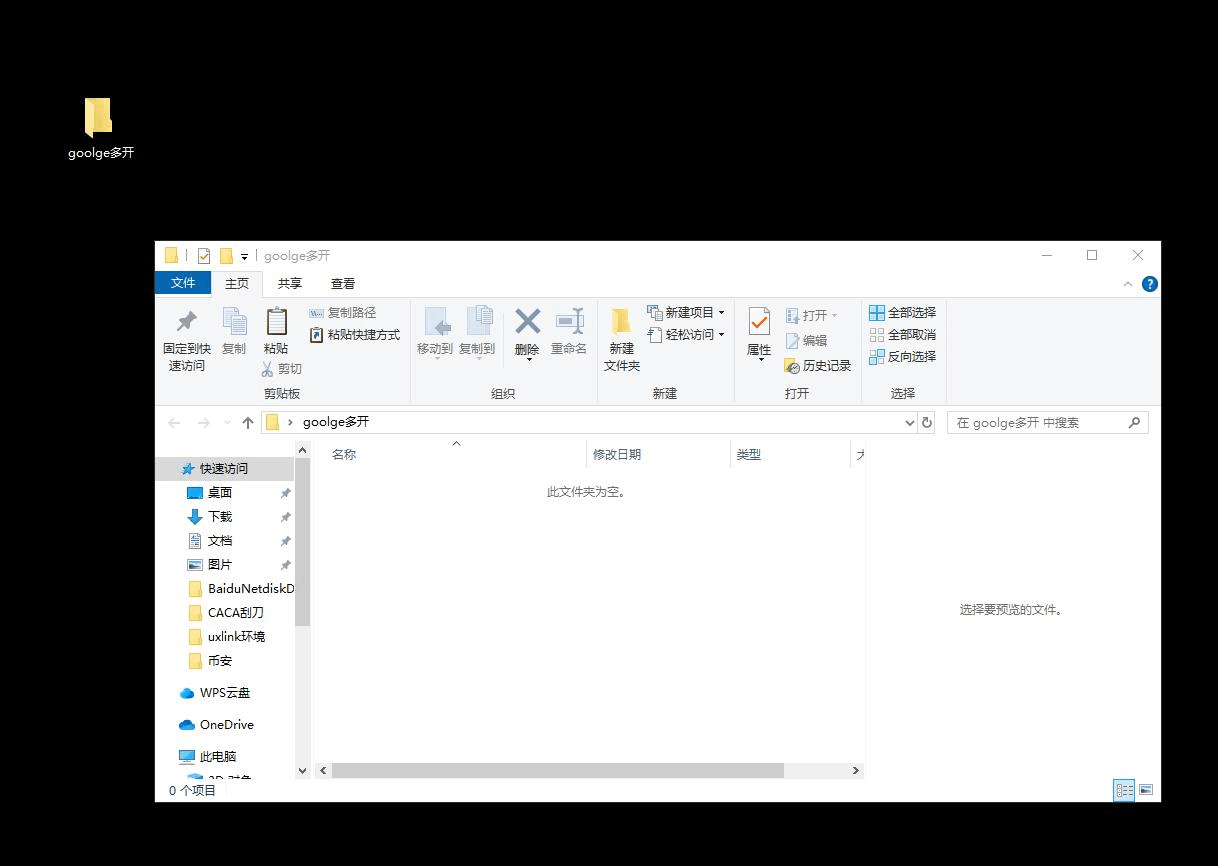
Create a new folder, place the Google browser shortcut you want to save, and copy an installed Google browser shortcut into it.
"C:\Program Files\Google\Chrome\Application\chrome.exe"
This is the file path in the 'target', and this is what we need to change.
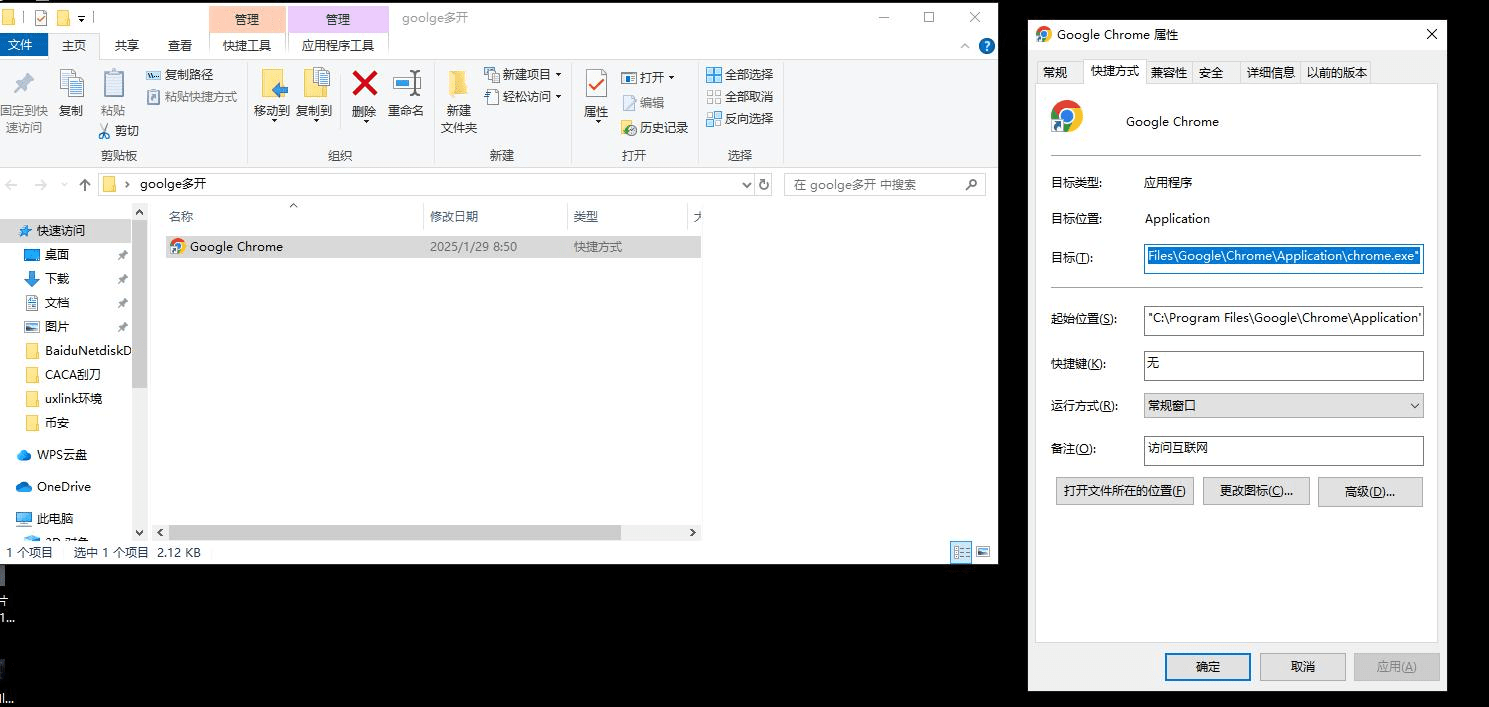
This is the copied path, the new part indicates that a Google browser has been opened multiple times. You can copy it completely and then change the target path yourself.
"C:\Program Files\Google\Chrome\Application\chrome.exe" --user-data-dir=D:\google multi-open\1
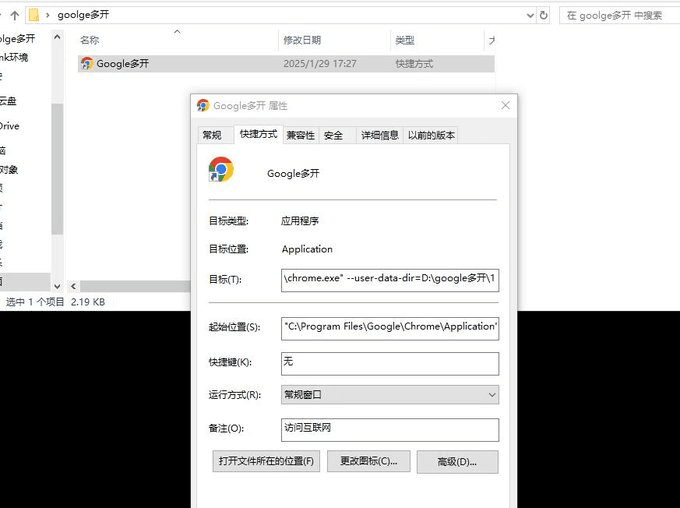
After making changes, confirm, then double-click. The first time, a selection for logging into a Google account will pop up; you can choose not to log in.
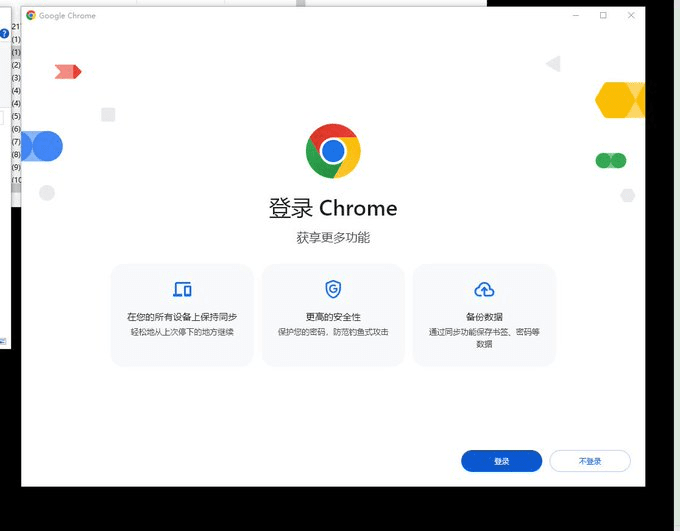
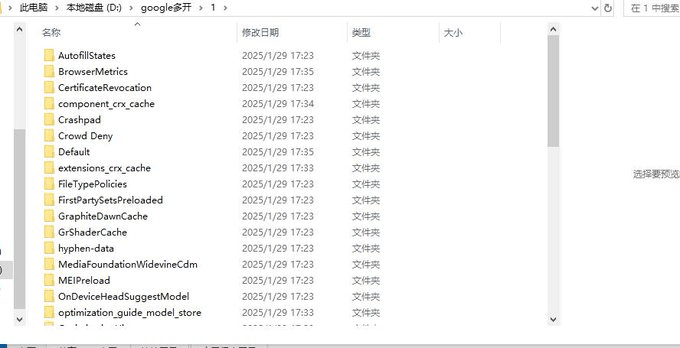
I chose not to log in, and then I can see the data of this Google browser in the corresponding folder. You can use this Google browser as a template to download the plugins you need through this shortcut. I'm taking the OKX wallet as an example.
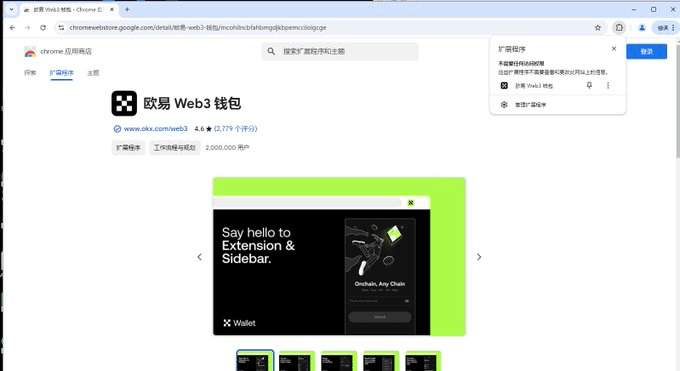
Then copy out 10 identical templates and change the last save address. I'm taking the second one as an example.
"C:\Program Files\Google\Chrome\Application\chrome.exe" --user-data-dir=D:\google multi-open\2
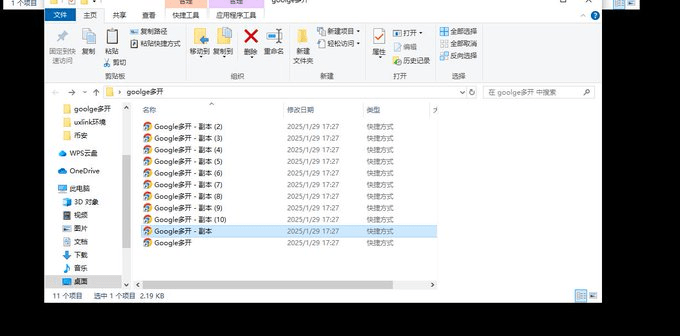

After confirming and saving, double-click the browser. The second folder for saving Google Chrome will be automatically generated. The rest is just to change the target suffix.
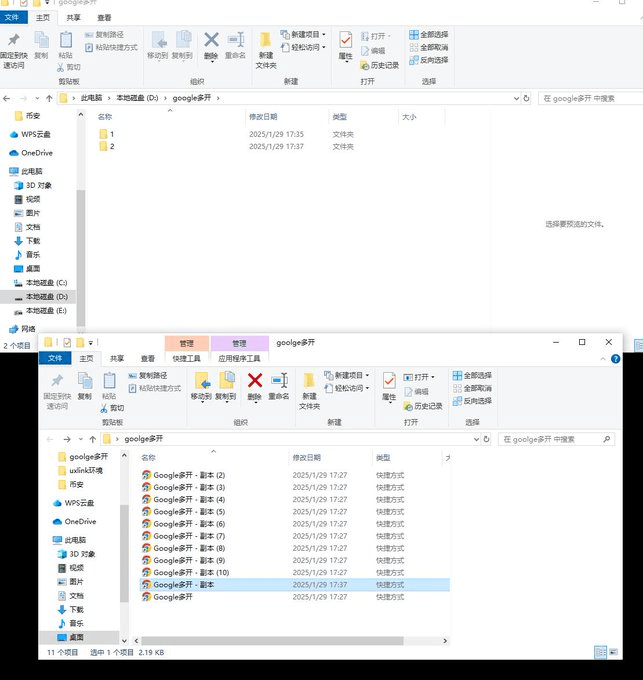
Then how to sort and batch rename? Here's a little trick: select the last one, then hold down shift and select the first one to select all. Then press F2, change the first name, and the others will auto-number.
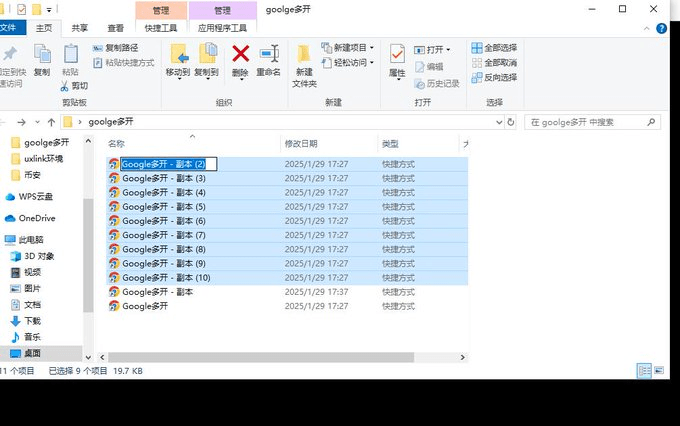
Next, I will introduce how to copy the plugins installed in the first browser to several other browsers.
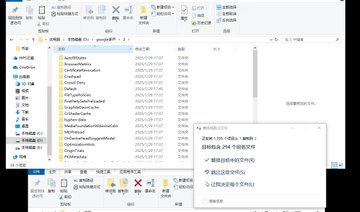
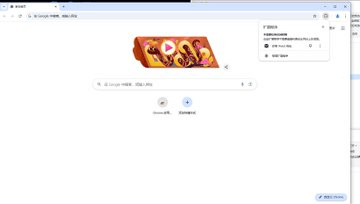
Copy the Default folder, paste it into other folders, and select 'Replace All' when replacing the target. This way, the OKX wallet plugin you just installed will be copied to another browser, provided you do not import the mnemonic in the first one, or else it will import the same wallet.
Finally, introducing how to set up an independent IP.
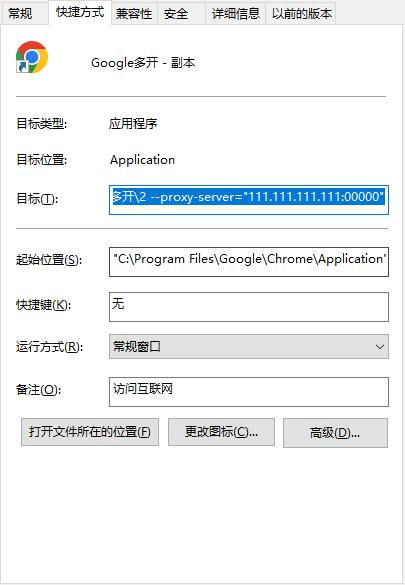
"C:\Program Files\Google\Chrome\Application\chrome.exe" --user-data-dir=D:\google multi-open\2 --proxy-server="111.111.111.111:0000"
Copy this in, just change the IP and port yourself. When you open the browser, it will ask you to enter your account and password. The IP here is arbitrary. If the IP and port are incorrect, the webpage will not display.
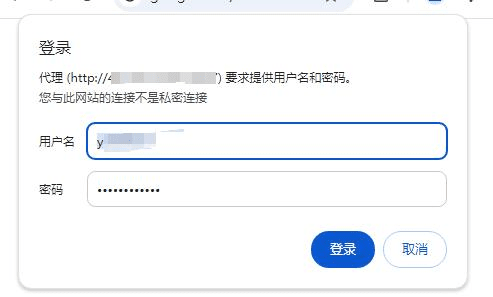
After logging in, click to automatically save your account and password. The next time you open the browser, just press enter to log in. That's the tutorial for today. If you have any questions, feel free to leave a message. Currently, I'm using Qilin for group control, bought on Taobao, and I'm using Movement for this. If any experts have good suggestions, feel free to share. I've also seen scripts generated, but I'm not familiar with scripts, so I didn't do it, and I don't have too many accounts, so manual is enough.
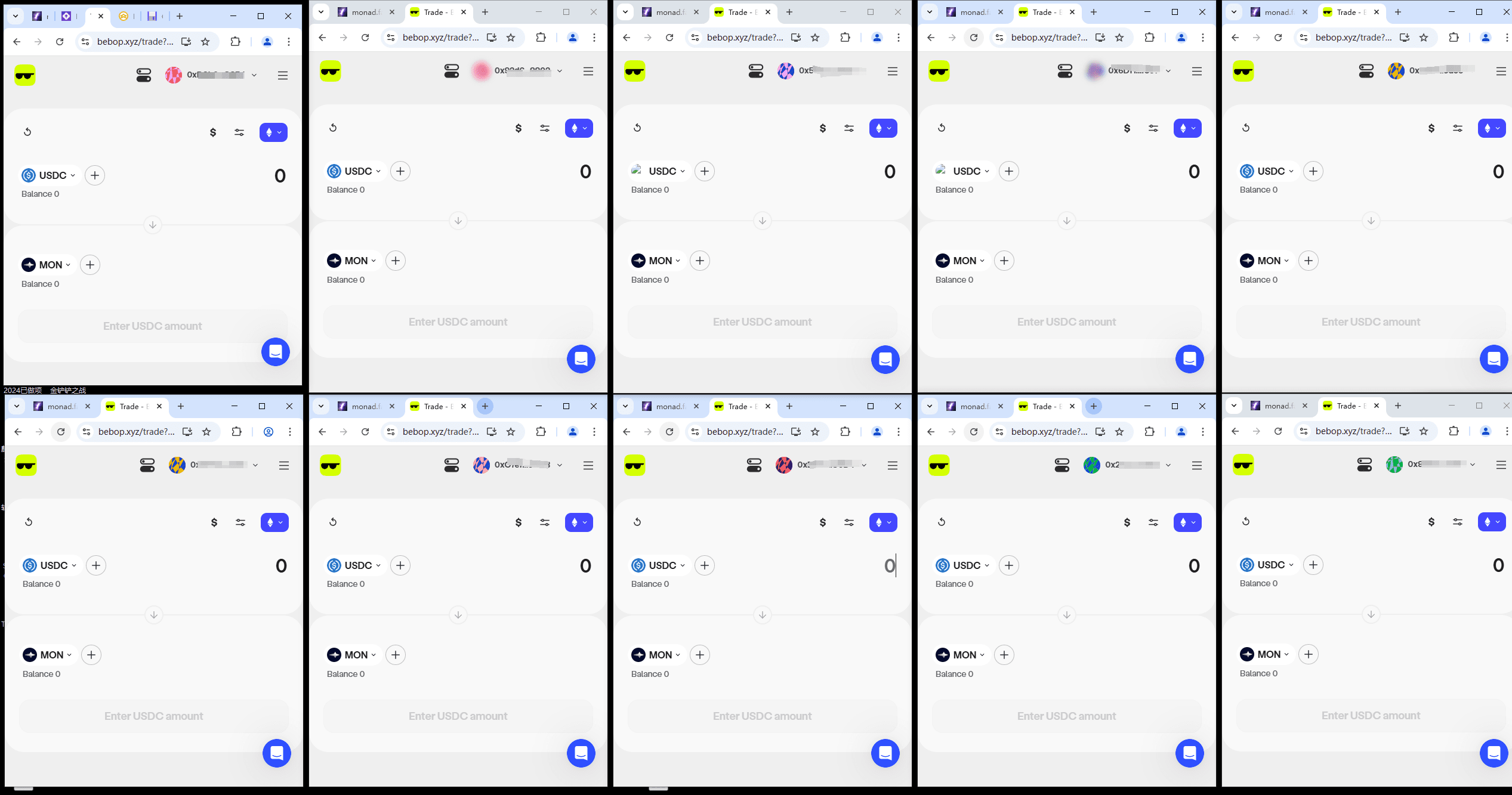
If you have any questions, leave a message! Beginners might have more questions! Wish everyone to get rich soon!